Understanding TradingView: An Overview
In the rapidly evolving world of trading, where timely decisions can significantly impact financial outcomes, tools that streamline analysis and enhance decision-making processes are invaluable. TradingView stands out as a premier platform designed to empower traders at all levels, offering an all-in-one solution for market analysis, strategy testing, and execution. This article delves into the core features, setup processes, strategies for effective trading, and the challenges traders face while using TradingView, providing you with a comprehensive understanding of its functionalities and potential advantages.
What is TradingView and How Does It Work?
TradingView is a cloud-based platform that allows users to analyze financial markets through advanced charting tools and social networking capabilities. It aggregates a wealth of financial data across various assets, including stocks, forex, cryptocurrencies, and commodities, making it an indispensable resource for traders and investors. Users can create custom charts, implement technical analysis through indicators, and even share insights with the global TradingView community.
Core Features of TradingView
TradingView is packed with features tailored for both novice and seasoned traders. Some of the most notable core functionalities include:
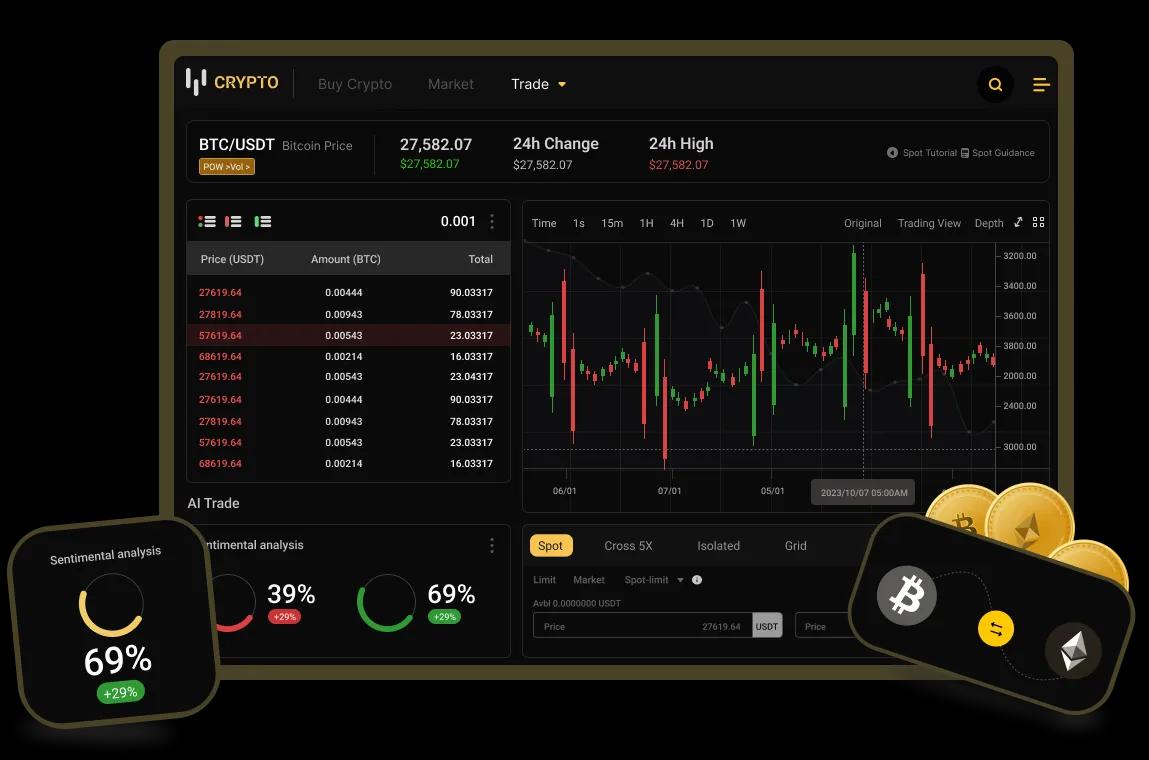
- Advanced Charting Tools: Users can access a variety of chart types, including candlestick, bar, and line charts, alongside customizable time frames.
- Technical Indicators: With an extensive library of built-in indicators such as Moving Averages, RSI, MACD, and Bollinger Bands, traders can analyze market trends effectively.
- Social Networking: TradingView allows users to share ideas, strategies, and analyses, forming a collaborative trading community.
- Pine Script: This powerful scripting language enables users to create custom indicators and alerts tailored to their unique trading strategies.
- Backtesting Capabilities: Traders can test their strategies against historical data to evaluate their effectiveness before deploying them in real-time markets.
Benefits of Using TradingView for Analysis
The comprehensive nature of TradingView's features provides several benefits for users:
- All-in-One Platform: With everything from charting to social networking in one place, users eliminate the need for multiple tools.
- Real-Time Market Data: Access to live data and analytics helps traders make informed decisions based on current market conditions.
- Improved Collaboration: Engaging with other traders can lead to new insights and strategies, benefiting users’ trading approaches.
- Accessibility: Being cloud-based allows traders to access their accounts and analysis from any device with internet connectivity.
Setting Up Your Trading Environment
Creating Your TradingView Account
To get started with TradingView, you need to create an account. This straightforward process involves providing a few basic details and selecting an appropriate plan, ranging from a free option with limited features to premium subscriptions that unlock advanced capabilities. Signing up allows you to save your charts, custom indicators, and watchlists, facilitating a seamless trading experience.
Customizing Your User Interface
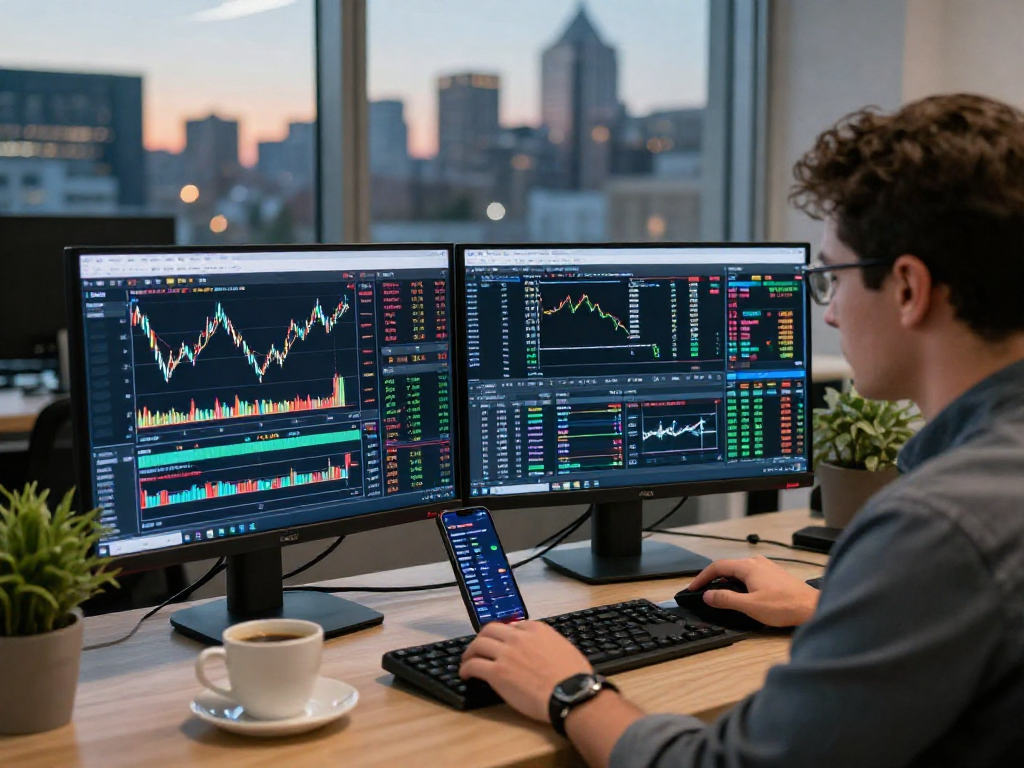
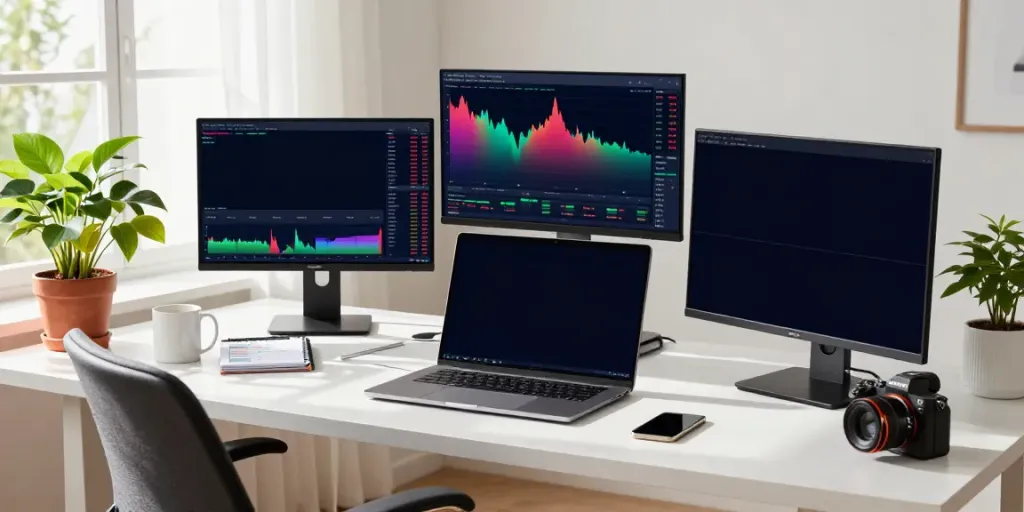
Once your account is set up, it's essential to customize your TradingView interface to fit your trading style and preferences. Users can modify various aspects, including layout options, color schemes, and chart settings. The platform supports multi-monitor setups, enabling traders to view different charts and data simultaneously. Engaging with these customization features can greatly enhance your analysis and overall user experience.
Integrating External Tools with TradingView
TradingView’s compatibility with external tools can elevate your trading strategy. Users can integrate brokers for direct trading from the charts, connect to news feeds for real-time updates, and utilize third-party indicators or algorithms to complement their trading approach. Exploring these integrations allows traders to tailor their workflows and increase operational efficiency.
Strategies for Effective Trading with TradingView
Utilizing Advanced Charting Tools
TradingView’s sophisticated charting tools provide the foundation for technical analysis. Traders can utilize tools such as trend lines, Fibonacci retracements, and pivot points to identify potential market movements. These tools allow for a graphical representation of market trends, enabling traders to make more informed decisions based on visual data.
Employing Technical Indicators in Your Analysis
Incorporating technical indicators into your analysis is crucial for identifying trends and making predictions about future price movements. Indicators such as Moving Averages help smooth out price data, while oscillators like the RSI can identify overbought or oversold conditions. Understanding how to effectively employ these indicators can significantly enhance your trading strategy.
Backtesting Strategies Through TradingView
Backtesting is an essential practice for traders wishing to evaluate the viability of their strategies. TradingView’s Strategy Tester allows users to simulate their trading strategies against historical data, providing insights into performance metrics such as win rate, maximum drawdown, and return on investment. This iterative process enables traders to refine their strategies before committing real capital in the market.
Common Challenges and Solutions
Overcoming Learning Curves with TradingView
For new users, the vast range of features in TradingView can be daunting. To overcome this, it's advisable to start with the basics. Familiarizing oneself with the user interface, accessing educational resources, and utilizing the community forums can bridge the knowledge gap. Gradually exploring advanced features as confidence grows facilitates a smoother transition to effective trading.
Addressing Data Integrity and Accuracy
Accuracy in data is paramount for successful trading. There are times when market data may be delayed or inaccurate, leading to potentially costly decisions. To mitigate these risks, traders should cross-reference data with other reputable sources and utilize TradingView's built-in alerts to remain updated on market changes, ensuring informed trading actions.
Managing Multiple Assets Effectively
Many traders manage portfolios that include a variety of asset classes. TradingView’s multi-asset support allows for seamless transitions between stocks, forex, and cryptocurrencies, simplifying this process. Using watchlists and alerts can help traders monitor various markets efficiently, making it easier to spot opportunities across different asset classes.
The Future of TradingView and Market Analysis
Trends in Trading Technology for 2026
The trading landscape is continually evolving, and as we look toward 2026, several trends are poised to shape the future of platforms like TradingView. Increased emphasis on artificial intelligence and machine learning will likely lead to more sophisticated market analysis tools, enhancing predictive capabilities for traders.
Emerging Features of TradingView
As TradingView continues to innovate, users can anticipate features that integrate social trading elements with algorithm-based strategies. Enhanced collaboration tools may allow users to share real-time strategies and insights with their followers, fostering a vibrant trading community.
Expert Predictions on Trading Platforms
Market analysts predict that platforms like TradingView will become more crucial as retail trading grows. Incorporating features such as virtual trading rooms, where traders can collaborate live, is expected to be a game-changer for community-driven trading strategies.
Is TradingView Suitable for Beginners?
Yes, TradingView is highly suitable for beginners. Its user-friendly interface and extensive educational resources make it accessible for those new to trading. Beginners can start with basic features and gradually explore more advanced tools as they become more comfortable.
Can You Trade Directly on TradingView?
While TradingView is primarily a charting and analysis platform, users in specific regions can connect their brokerage accounts to place trades directly from the platform. This integration streamlines the trading process, allowing seamless execution alongside market analysis.
What Makes TradingView Stand Out?
TradingView’s unique blend of advanced charting tools, social networking features, and community-driven insights distinguishes it from other trading platforms. This all-in-one solution not only simplifies analysis but also fosters collaboration among traders, enhancing their trading strategies.
How to Maximize Your Use of TradingView?
To get the most out of TradingView, engage actively with its community. Sharing your analyses, seeking feedback, and learning from others will enhance your trading skills. Additionally, customizing alerts and using the Strategy Tester can optimize your trading performance over time.
Are There Alternatives to TradingView?
While TradingView is a leading platform, there are alternatives, such as MetaTrader 4 and 5, Thinkorswim, and NinjaTrader. Each platform has its strengths, but TradingView's user-friendly interface and comprehensive tools make it particularly appealing for most traders.